

使用 Aster Mail
发送、整理、搜索和定时发送邮件。
- 收发邮件 撰写邮件,选择发件地址,并查找尚未收到的邮件。
- 用文件夹和标签整理邮件 使用文件夹、分类和过滤器,让收件箱只保留重要邮件。
- 搜索邮箱 使用搜索运算符查找邮件,并了解加密搜索能做什么、不能做什么。
- 添加别名和自定义域名 为注册账号创建别名,并使用你自己域名上的地址。
- 使用定时发送和稍后提醒 稍后发送邮件,并将邮件移出收件箱,直到你需要它再返回。
- 发送和打开附件 添加附件,了解大小限制,并保存你收到的文件。
- 签名和已保存的回复 自动为邮件添加签名,并重复使用你经常写的回复。
- 使用规则过滤邮件 自动分拣、标记和归档收到的邮件。
- 管理联系人和群组 维护通讯录,并一次性给多人写邮件。
- 管理垃圾邮件和已屏蔽的发件人 训练过滤器、找回正常邮件,并阻止你不想要的发件人。
- 设置外出自动回复 在你外出时自动回复,而不必让所有人都知道你不在。
- 撤销发送和使用草稿 撤回刚发送的邮件,并找到你昨天开始写的那封邮件。
- 管理订阅邮件并退订 Find every sender you subscribed to, unsubscribe from the ones you don't read, and bring one back.
- 整理塞满的收件箱 Use Quick Actions to archive, delete, snooze, or unsubscribe in bulk instead of one message at a time.
- 查看邮件详情和邮件头 Open message details, copy or download the raw headers, and read the original source of a message.
- 查找没有收到的邮件 Track down mail that isn't in your inbox, from spam and rules to snoozed messages, locked folders, and disabled aliases.
- 避免你发出的邮件被判为垃圾邮件 Fix the authentication and setup problems that send the mail you write into other people's spam folders.
- 解决邮件发不出去的问题 Understand the errors that stop a message leaving, from send limits and attachment size to encryption requirements and offline queues.
观看学习
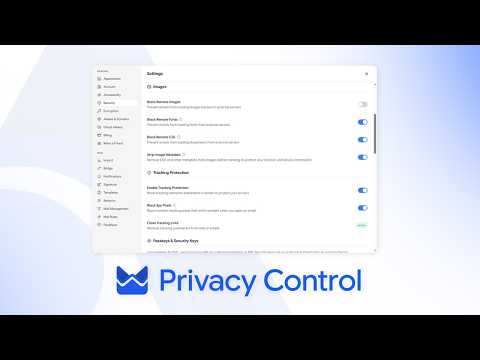
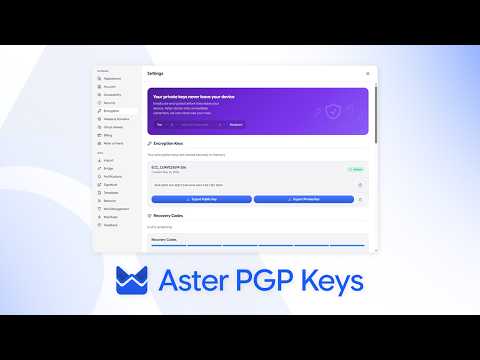
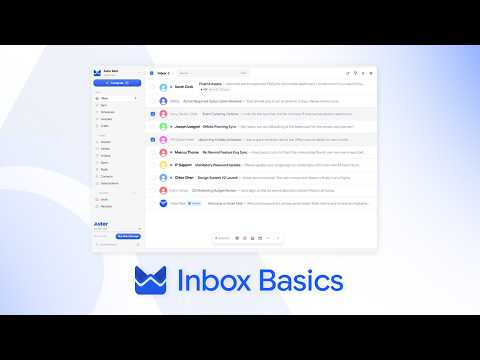
来自 Aster 频道的简短教程。
还需要帮助吗?
提交支持请求,Aster 支持团队会回复到你的收件箱,也会显示在这里。
- 通过账户获取支持 登录 Aster Mail 即可发送请求,并在同一处查看所有回复。
- 无法登录? 告诉我们另一个电子邮件地址。我们会向该地址发送验证码,然后回复到该地址。
- 你的支持请求 跟进你提交的每个请求,阅读 Aster 支持团队的回复。
如需直接联系支持团队,请发送邮件至 hello@astermail.org。