

Dùng Aster Mail
Gửi, sắp xếp, tìm kiếm và lên lịch gửi email.
- Gửi và nhận email Write a message, pick the address it comes from, and find mail that has not arrived.
- Sắp xếp email bằng thư mục và nhãn Use folders, categories, and filters to keep the inbox down to what matters.
- Tìm kiếm trong hộp thư Find a message with search operators, and understand what encrypted search can and cannot do.
- Thêm bí danh và miền tùy chỉnh Create aliases for sign-ups, and use an address on a domain you own.
- Lên lịch gửi và tạm ẩn email Send a message later, and move mail out of the inbox until you want it back.
- Gửi và mở tệp đính kèm Attach files, check the size limits, and save what arrives.
- Chữ ký và câu trả lời đã lưu Sign your mail automatically and reuse the answers you write often.
- Lọc thư bằng quy tắc Sort, label, and archive incoming mail automatically.
- Quản lý danh bạ và nhóm Keep an address book and write to several people at once.
- Quản lý thư rác và người gửi bị chặn Train the filter, rescue good mail, and stop senders you do not want.
- Thiết lập trả lời tự động khi vắng mặt Reply automatically while you are away, without telling the whole internet.
- Hoàn tác gửi và làm việc với thư nháp Take a message back, and find the one you started yesterday.
- Quản lý bản tin và hủy đăng ký Find every sender you subscribed to, unsubscribe from the ones you don't read, and bring one back.
- Dọn dẹp hộp thư đến đầy Use Quick Actions to archive, delete, snooze, or unsubscribe in bulk instead of one message at a time.
- Xem chi tiết và tiêu đề kỹ thuật của thư Open message details, copy or download the raw headers, and read the original source of a message.
- Tìm thư không đến nơi Track down mail that isn't in your inbox, from spam and rules to snoozed messages, locked folders, and disabled aliases.
- Ngăn thư của bạn bị xếp vào thư rác Fix the authentication and setup problems that send the mail you write into other people's spam folders.
- Khắc phục thư không gửi được Understand the errors that stop a message leaving, from send limits and attachment size to encryption requirements and offline queues.
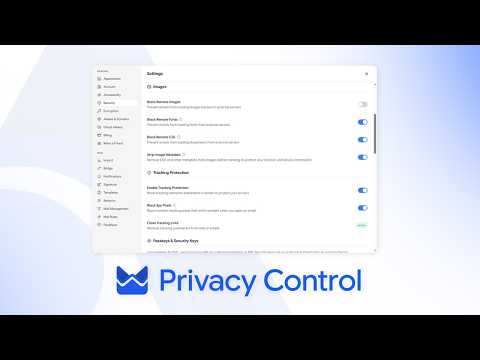
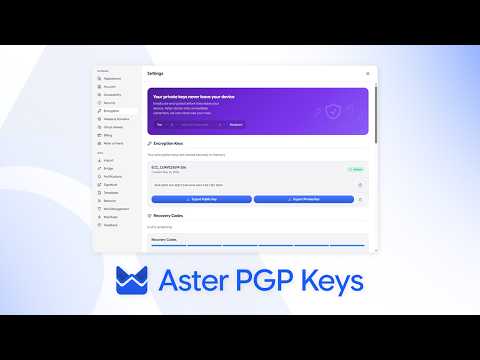
Xem và tìm hiểu
Các hướng dẫn ngắn từ kênh của Aster.

Vẫn cần trợ giúp?
Gửi yêu cầu hỗ trợ và bộ phận hỗ trợ Aster sẽ trả lời vào hộp thư của bạn và tại đây.
- Hỗ trợ từ tài khoản của bạn Đăng nhập Aster Mail để gửi yêu cầu và theo dõi mọi phản hồi ở cùng một nơi.
- Không đăng nhập được? Cho chúng tôi biết một địa chỉ email khác. Chúng tôi gửi mã đến đó, rồi trả lời vào địa chỉ đó.
- Yêu cầu hỗ trợ của bạn Theo dõi mọi yêu cầu bạn đã gửi và đọc câu trả lời từ bộ phận hỗ trợ Aster.
Để liên hệ trực tiếp với bộ phận hỗ trợ, hãy gửi email tới hello@astermail.org.