

Bảo mật và mã hóa
Mã hóa, xác thực hai yếu tố và khôi phục tài khoản.
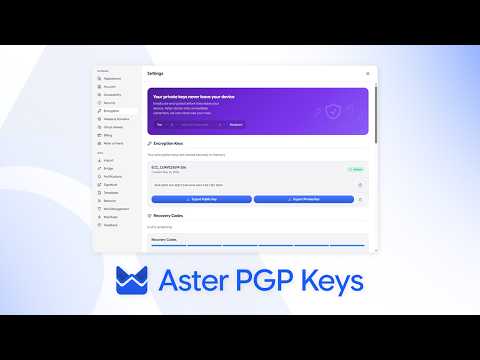
- Cách mã hóa của Aster hoạt động What is encrypted, what Aster can see, and what that means for your mail day to day.
- Bật xác thực hai yếu tố Add a second step to sign-in with an authenticator app, and store your backup codes.
- Khôi phục tài khoản Get back in with a recovery code, and understand why a lost password cannot be reset.
- Xác minh khóa của một liên hệ Compare verification codes so you know you are writing to the right person.
- Báo cáo lừa đảo và thư rác Recognize a message pretending to be Aster, report it, and protect your account.
- Đổi mật khẩu hoặc thêm passkey Keep the key to your account strong, and sign in without typing it.
- Xem lại thiết bị và phiên đăng nhập See where your account is signed in, and sign out anything you do not recognize.
- Gửi thư mã hóa cho bất kỳ ai Protect a message with a password when the other person is not on Aster.
- Mật khẩu ứng dụng cho ứng dụng thư khác Connect a desktop mail client through Aster Bridge with its own password.
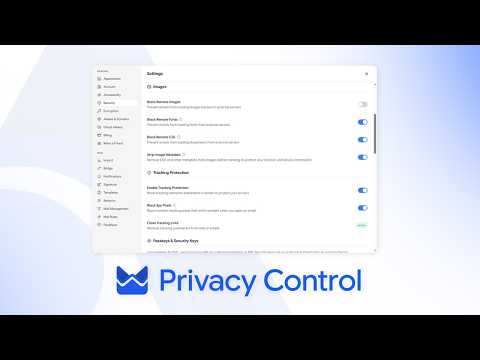
- Kiểm soát quyền riêng tư trong hộp thư Block trackers, hide your address, and control what a sender learns.
- Chạy kiểm tra bảo mật Ten minutes that make your account much harder to lose.
- SPF, DKIM và DMARC cho tên miền của bạn Set the records that let other providers trust mail from your domain.
- Aster Vanguard và Chế độ khóa Turn on Aster Vanguard to lock Aster Mail with a PIN, set a duress PIN that erases local data, and block every outside connection with Lockdown Mode.
- Khóa thư mục bằng mật khẩu Put a separate password on a folder so its mail stays hidden from search, notifications, and anyone using your signed-in account.
- Dùng Aster Mail qua Tor Reach your mailbox through Aster's onion address in Tor Browser, and understand what changes when you do.
- Khôi phục thư đã gửi sau khi đổi mật khẩu Reopen sent messages that stayed encrypted with an earlier password, and re-encrypt them with the password you use now.
Xem và tìm hiểu
Các hướng dẫn ngắn từ kênh của Aster.

Vẫn cần trợ giúp?
Gửi yêu cầu hỗ trợ và bộ phận hỗ trợ Aster sẽ trả lời vào hộp thư của bạn và tại đây.
- Hỗ trợ từ tài khoản của bạn Đăng nhập Aster Mail để gửi yêu cầu và theo dõi mọi phản hồi ở cùng một nơi.
- Không đăng nhập được? Cho chúng tôi biết một địa chỉ email khác. Chúng tôi gửi mã đến đó, rồi trả lời vào địa chỉ đó.
- Yêu cầu hỗ trợ của bạn Theo dõi mọi yêu cầu bạn đã gửi và đọc câu trả lời từ bộ phận hỗ trợ Aster.
Để liên hệ trực tiếp với bộ phận hỗ trợ, hãy gửi email tới hello@astermail.org.