

보안 및 암호화
암호화, 2단계 인증, 계정 복구.
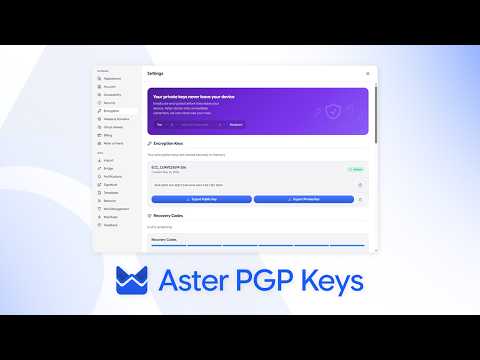
- Aster 암호화의 작동 방식 What is encrypted, what Aster can see, and what that means for your mail day to day.
- 2단계 인증 사용 설정하기 Add a second step to sign-in with an authenticator app, and store your backup codes.
- 계정 복구하기 Get back in with a recovery code, and understand why a lost password cannot be reset.
- 연락처의 키 확인하기 Compare verification codes so you know you are writing to the right person.
- 피싱과 스팸 신고하기 Recognize a message pretending to be Aster, report it, and protect your account.
- 비밀번호 변경 또는 패스키 추가하기 Keep the key to your account strong, and sign in without typing it.
- 기기와 세션 확인하기 See where your account is signed in, and sign out anything you do not recognize.
- 누구에게나 암호화된 메일 보내기 Protect a message with a password when the other person is not on Aster.
- 다른 메일 앱을 위한 앱 비밀번호 Connect a desktop mail client through Aster Bridge with its own password.
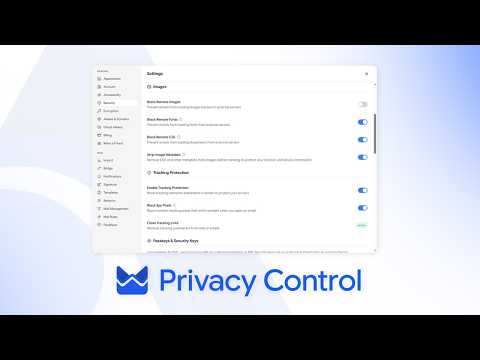
- 메일함의 개인정보 보호 설정 Block trackers, hide your address, and control what a sender learns.
- 보안 점검 실행하기 Ten minutes that make your account much harder to lose.
- 도메인의 SPF, DKIM, DMARC Set the records that let other providers trust mail from your domain.
- Aster Vanguard 및 차단 모드 Turn on Aster Vanguard to lock Aster Mail with a PIN, set a duress PIN that erases local data, and block every outside connection with Lockdown Mode.
- 폴더를 비밀번호로 잠그기 Put a separate password on a folder so its mail stays hidden from search, notifications, and anyone using your signed-in account.
- Tor로 Aster Mail 사용하기 Reach your mailbox through Aster's onion address in Tor Browser, and understand what changes when you do.
- 비밀번호 변경 후 보낸 메일 복구하기 Reopen sent messages that stayed encrypted with an earlier password, and re-encrypt them with the password you use now.
보면서 배우기
Aster 채널의 짧은 안내 동영상입니다.
도움이 더 필요하세요?
지원 요청을 보내면 Aster 지원팀가 받은편지함과 이곳으로 답장합니다.
- 계정에서 지원 받기 Aster Mail에 로그인하면 요청을 보내고 모든 답변을 한곳에서 확인할 수 있습니다.
- 로그인할 수 없나요? 다른 이메일 주소를 알려 주세요. 그 주소로 코드를 보낸 다음 답변을 드립니다.
- 내 지원 요청 보낸 요청을 모두 확인하고 Aster 지원팀의 답장을 읽어 보세요.
지원팀에 직접 문의하려면 hello@astermail.org로 이메일을 보내세요.