

Aster Mail 사용하기
메일 보내기, 정리, 검색, 예약 발송.
- 메일 보내고 받기 Write a message, pick the address it comes from, and find mail that has not arrived.
- 폴더와 라벨로 메일 정리하기 Use folders, categories, and filters to keep the inbox down to what matters.
- 메일함 검색하기 Find a message with search operators, and understand what encrypted search can and cannot do.
- 별칭과 맞춤 도메인 추가하기 Create aliases for sign-ups, and use an address on a domain you own.
- 예약 발송과 다시 알림 사용하기 Send a message later, and move mail out of the inbox until you want it back.
- 첨부 파일 보내기와 열기 Attach files, check the size limits, and save what arrives.
- 서명과 저장된 답장 Sign your mail automatically and reuse the answers you write often.
- 규칙으로 메일 분류하기 Sort, label, and archive incoming mail automatically.
- 연락처와 그룹 관리하기 Keep an address book and write to several people at once.
- 스팸과 차단된 발신자 관리하기 Train the filter, rescue good mail, and stop senders you do not want.
- 부재중 자동 응답 설정하기 Reply automatically while you are away, without telling the whole internet.
- 전송 취소와 임시보관함 사용하기 Take a message back, and find the one you started yesterday.
- 뉴스레터 관리 및 수신 거부하기 Find every sender you subscribed to, unsubscribe from the ones you don't read, and bring one back.
- 가득 찬 받은편지함 정리하기 Use Quick Actions to archive, delete, snooze, or unsubscribe in bulk instead of one message at a time.
- 메일 세부 정보와 헤더 확인하기 Open message details, copy or download the raw headers, and read the original source of a message.
- 도착하지 않은 메일 찾기 Track down mail that isn't in your inbox, from spam and rules to snoozed messages, locked folders, and disabled aliases.
- 보낸 메일이 스팸으로 분류되지 않게 하기 Fix the authentication and setup problems that send the mail you write into other people's spam folders.
- 보내지지 않는 메일 문제 해결하기 Understand the errors that stop a message leaving, from send limits and attachment size to encryption requirements and offline queues.
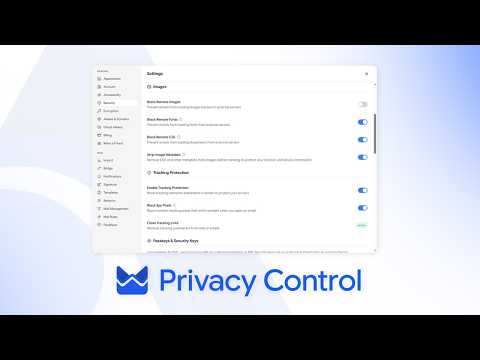
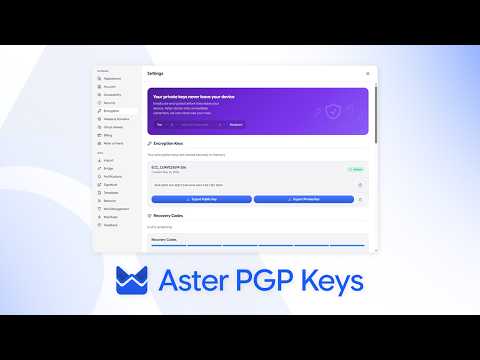
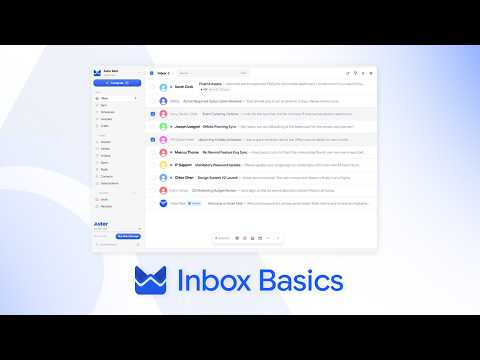
보면서 배우기
Aster 채널의 짧은 안내 동영상입니다.
도움이 더 필요하세요?
지원 요청을 보내면 Aster 지원팀가 받은편지함과 이곳으로 답장합니다.
- 계정에서 지원 받기 Aster Mail에 로그인하면 요청을 보내고 모든 답변을 한곳에서 확인할 수 있습니다.
- 로그인할 수 없나요? 다른 이메일 주소를 알려 주세요. 그 주소로 코드를 보낸 다음 답변을 드립니다.
- 내 지원 요청 보낸 요청을 모두 확인하고 Aster 지원팀의 답장을 읽어 보세요.
지원팀에 직접 문의하려면 hello@astermail.org로 이메일을 보내세요.