

使用 Aster Mail
傳送、整理、搜尋與預約傳送郵件。
- 收發郵件 撰寫郵件,選擇發件地址,並查詢尚未收到的郵件。
- 用資料夾與標籤整理郵件 使用資料夾、分類和過濾器,讓收件匣只保留重要郵件。
- 搜尋信箱 使用搜尋運算子查詢郵件,並瞭解加密搜尋能做什麼、不能做什麼。
- 新增別名與自訂網域 為註冊帳號建立別名,並使用你自己網域上的地址。
- 使用預約傳送與稍後提醒 稍後傳送郵件,並將郵件移出收件匣,直到你需要它再返回。
- 傳送與開啟附件 新增附件,瞭解大小限制,並儲存你收到的檔案。
- 簽名檔與已儲存的回覆 自動為郵件新增簽名,並重複使用你經常寫的回覆。
- 用規則篩選郵件 自動分揀、標記和封存收到的郵件。
- 管理聯絡人與群組 維護通訊錄,並一次性給多人寫郵件。
- 管理垃圾郵件與封鎖的寄件者 訓練過濾器、找回正常郵件,並阻止你不想要的寄件者。
- 設定外出自動回覆 在你外出時自動回覆,而不必讓所有人都知道你不在。
- 復原傳送與使用草稿 撤回剛傳送的郵件,並找到你昨天開始寫的那封郵件。
- 管理電子報與取消訂閱 Find every sender you subscribed to, unsubscribe from the ones you don't read, and bring one back.
- 整理塞滿的收件匣 Use Quick Actions to archive, delete, snooze, or unsubscribe in bulk instead of one message at a time.
- 查看郵件詳細資料與標頭 Open message details, copy or download the raw headers, and read the original source of a message.
- 尋找沒有收到的郵件 Track down mail that isn't in your inbox, from spam and rules to snoozed messages, locked folders, and disabled aliases.
- 避免你寄出的郵件被判為垃圾郵件 Fix the authentication and setup problems that send the mail you write into other people's spam folders.
- 解決郵件寄不出去的問題 Understand the errors that stop a message leaving, from send limits and attachment size to encryption requirements and offline queues.
觀看學習
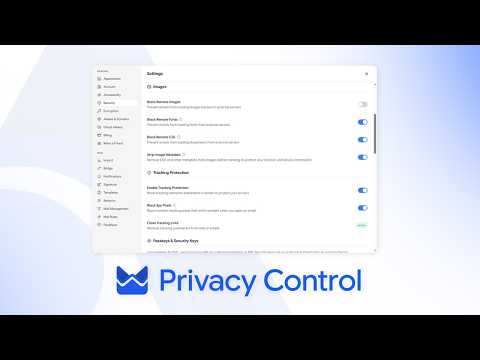
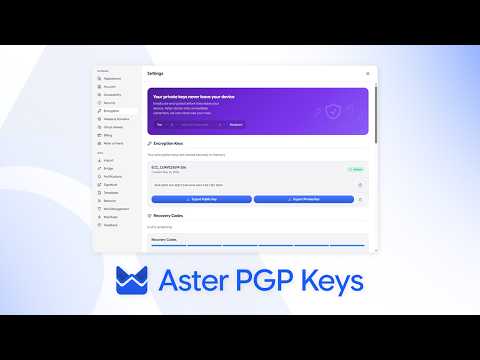
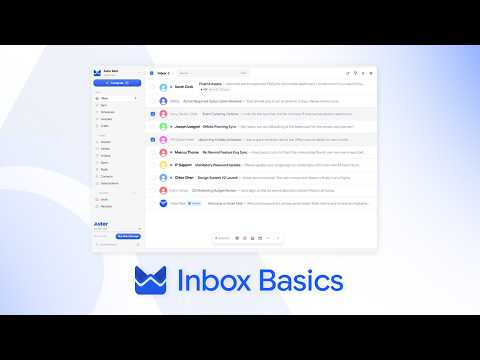
來自 Aster 頻道的簡短教學。
還需要協助嗎?
提出支援要求,Aster 支援團隊會回覆到你的收件匣,也會顯示在這裡。
- 透過帳號取得支援 登入 Aster Mail 即可傳送請求,並在同一處查看所有回覆。
- 無法登入嗎? 告訴我們另一個電子郵件位址。我們會將驗證碼寄到該位址,然後回覆到那裡。
- 你的支援要求 追蹤你提出的每項要求,並閱讀 Aster 支援團隊的回覆。
如需直接聯絡支援團隊,請寄信至 hello@astermail.org。