





Cài đặt Aster Bridge
To download Aster Bridge, go to Settings > Bridge and choose the download for your computer. Aster Bridge and SMTP tokens are available on any paid plan.
Aster Bridge runs on your computer, decrypts your mailbox there, and offers it to the desktop mail app that you already use over IMAP, POP3, SMTP, and JMAP.
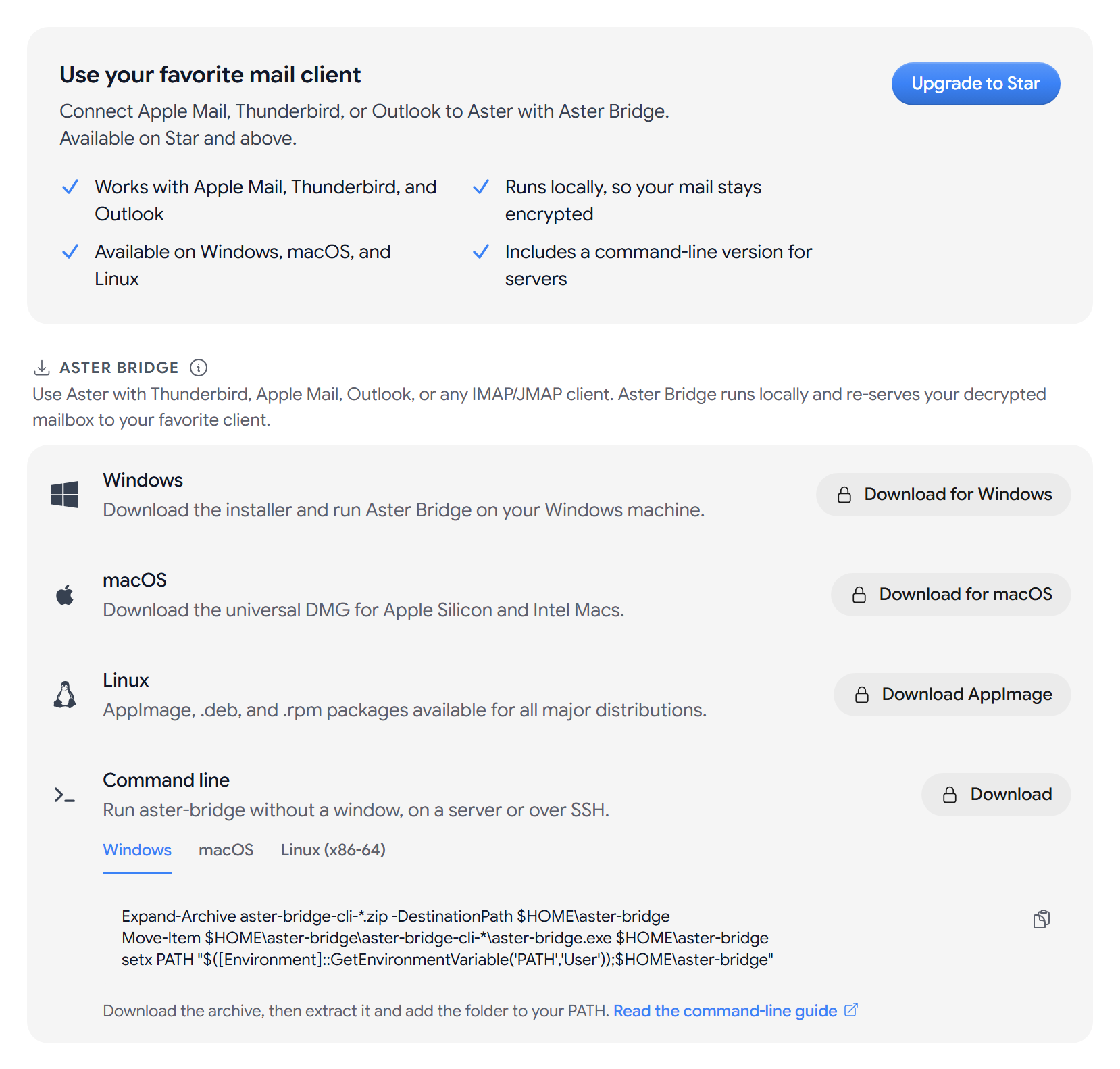
Download Aster Bridge
- Windows. Download for Windows for the installer, or MSI.
- macOS. Download for macOS. The DMG works on Mac computers with Apple silicon and Intel processors.
- Linux. Download AppImage, .deb, .rpm, or Arch Linux. There are also AppImage (ARM64), .deb (ARM64), and .rpm (ARM64) downloads.
Once it is installed, link it to your account and set up your mail app. See App passwords for other clients.
Disconnect a computer
Connected installations lists every copy of Aster Bridge linked to your account, with the computer’s name, when it was paired, and when it was last seen. Active now means it is connected right now.
- One installation. Select Revoke, and then Revoke again to confirm.
- Every installation. Select Revoke all.
Revoking an installation disconnects every mail app that uses it. If you stop using a computer or lose it, you should revoke it.
Send from an app with an SMTP token
An SMTP token is a send-only password for one address on your verified custom domain. You can use it in a script, a device, or a service that can’t run Aster Bridge. If you do not have a verified custom domain yet, the section shows Add a verified custom domain first.
- Under SMTP, IMAP, POP3 & JMAP, select Generate token.
- Enter a Name, and choose the address in Send from.
- Select Generate token.
- Copy the Host, Port, Security, Username, and Password into your app, or select Copy all.
- The password. It is only shown once. If you lose it, revoke the token and create a new one.
- One per address. Each address can have one active token.
- Encryption. Mail sent with a token is protected by TLS in transit and stored with zero-access encryption, but it is not end-to-end encrypted.
To stop an app from sending, select Revoke next to its token.
Related articles
Bài viết này có hữu ích không?