





שליחת משוב
To send feedback or report a bug, go to Settings > Help > Feedback, choose Feedback, Idea, or Bug, and select Send Feedback. Your feedback goes straight to the Aster team.
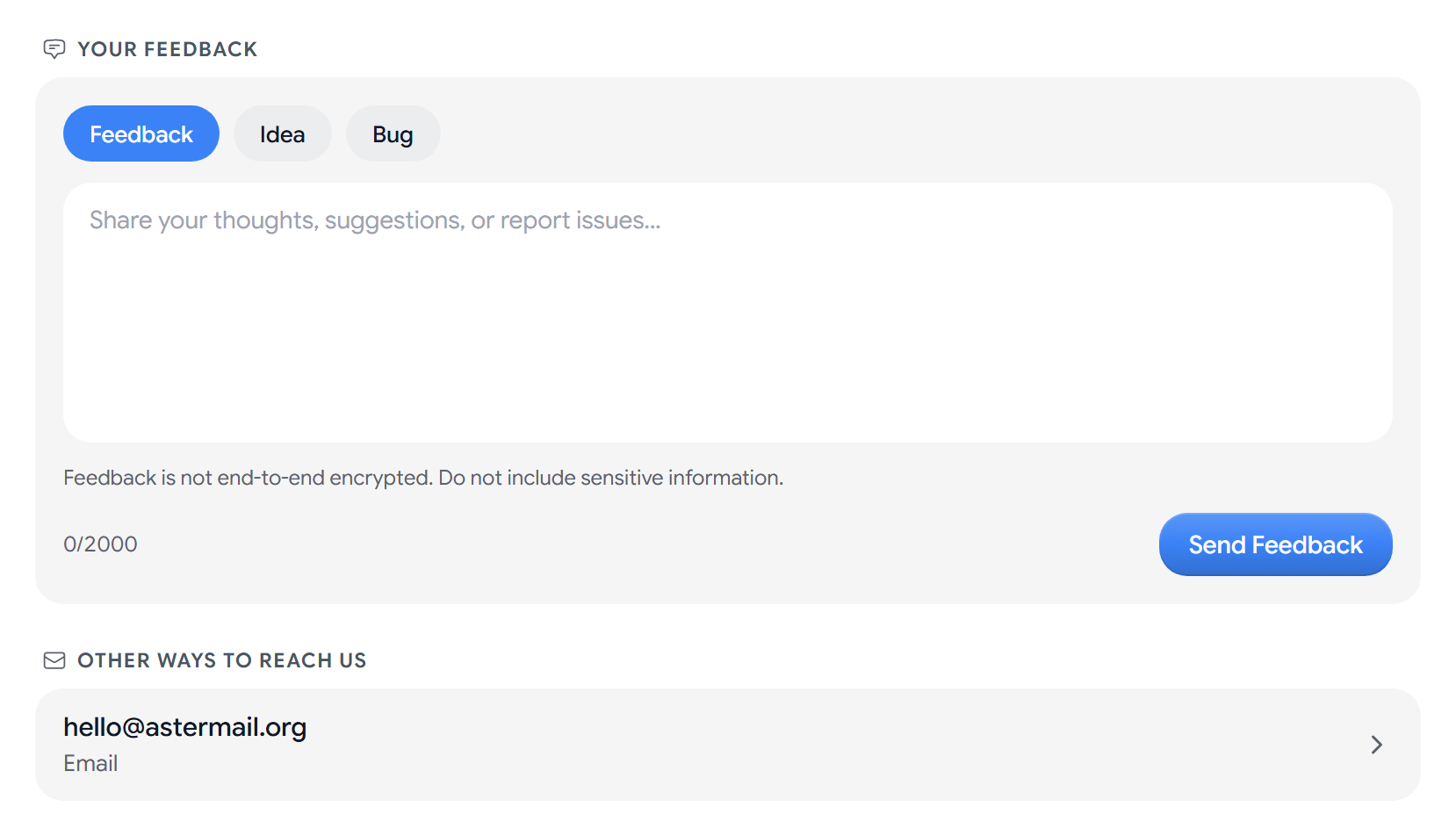
Send feedback
- Choose Feedback, Idea, or Bug.
- Write it in Your Feedback. You can write up to 2,000 characters.
- Select Send Feedback.
Aster shows a confirmation and clears the form once it is sent.
Feedback is not end-to-end encrypted, so do not include passwords, message content, or anything else sensitive.
Report a bug
If you report a bug, include what you did step by step, what you expected to happen, what happened instead, and whether you use Aster in a browser, the desktop app, or a mobile app.
Get an answer from Aster support
The Aster team reads every message but does not reply to each one. If you need an answer about your account or billing, or something stops you from using Aster, open a support request. To follow the replies, go to Your support requests.
You can also write to the team by email. Select Help (the question mark in the top bar), and then select Contact support. Aster opens a new message addressed to hello@astermail.org. The same address is under Other ways to reach us in Settings > Help > Feedback.
If your feedback does not send
- You’re doing that too quickly. Wait a moment, and send it again.
- Your feedback did not send. Check your internet connection, and try again.
Related articles
המאמר הזה עזר לך?