

Getting started
Create your account, sign in, and import your mail.
- Create an Aster account Sign up for Aster Mail, pick your address, and set the password that protects your mailbox.
- Sign in to Aster Mail Sign in on the web, on desktop, and on mobile, and fix the errors that stop you.
- Import mail from another provider Bring your old mail into Aster with a connected account or an MBOX file.
- Install Aster Mail on your devices Get the desktop app, the Android app, and the iOS app, and keep them up to date.
- Set up Aster Mail in your first week A short checklist that gets your mailbox, your security, and your contacts in order.
- Set up Aster on your phone Install the Android or iOS app, or add the web app to your home screen.
- Add a recovery email Give your account a second way back in before you need it.
- Forward mail from your old address Keep receiving mail sent to your previous provider while you move over.
- Import your contacts Move an address book into Aster with a CSV or vCard file.
- Customize your inbox Choose a layout, a theme, and the density that suits how you read mail.
- Keyboard shortcuts Move through your mail without reaching for the mouse.
- Set up notifications Choose what Aster tells you about, on each device.
- Fix sign-in problems Work through the messages that stop you signing in, from security checks and temporary blocks to two-factor and device-code errors.
- Use several Aster accounts at once Add a second Aster account, switch between accounts from the account menu, and remove one from a device.
Videos
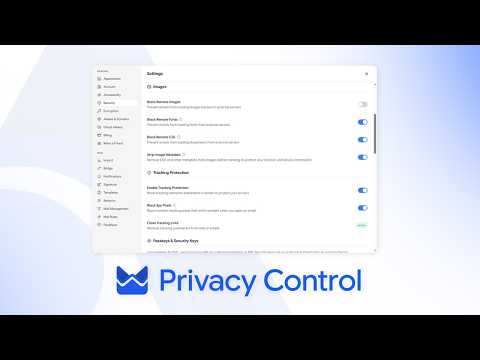
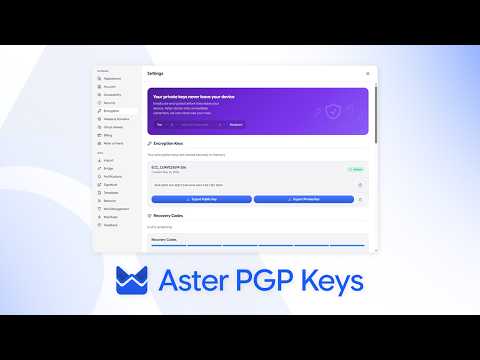
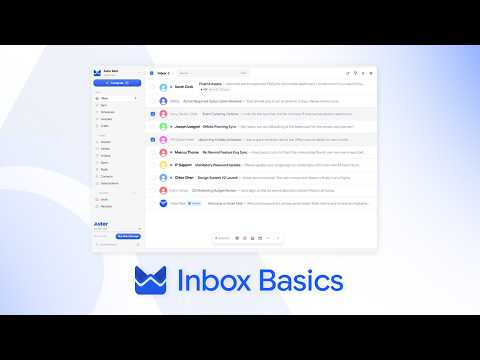
Short walkthroughs from the Aster channel.
Still need help?
Contact support. Aster replies here and in your inbox.
- Get help with your account Send a request from your account and read the replies here.
- Can't sign in? Tell us another email address. We send a code there, then reply to it.
- Your support requests See your requests and read the replies.
You can also email hello@astermail.org.