





ส่งออกอีเมลของคุณ
To export your email, go to Settings > Import > Export emails and select Start export. Aster decrypts your mail on your device and save it as a ZIP file, such as aster_export_20260919-120000.zip.
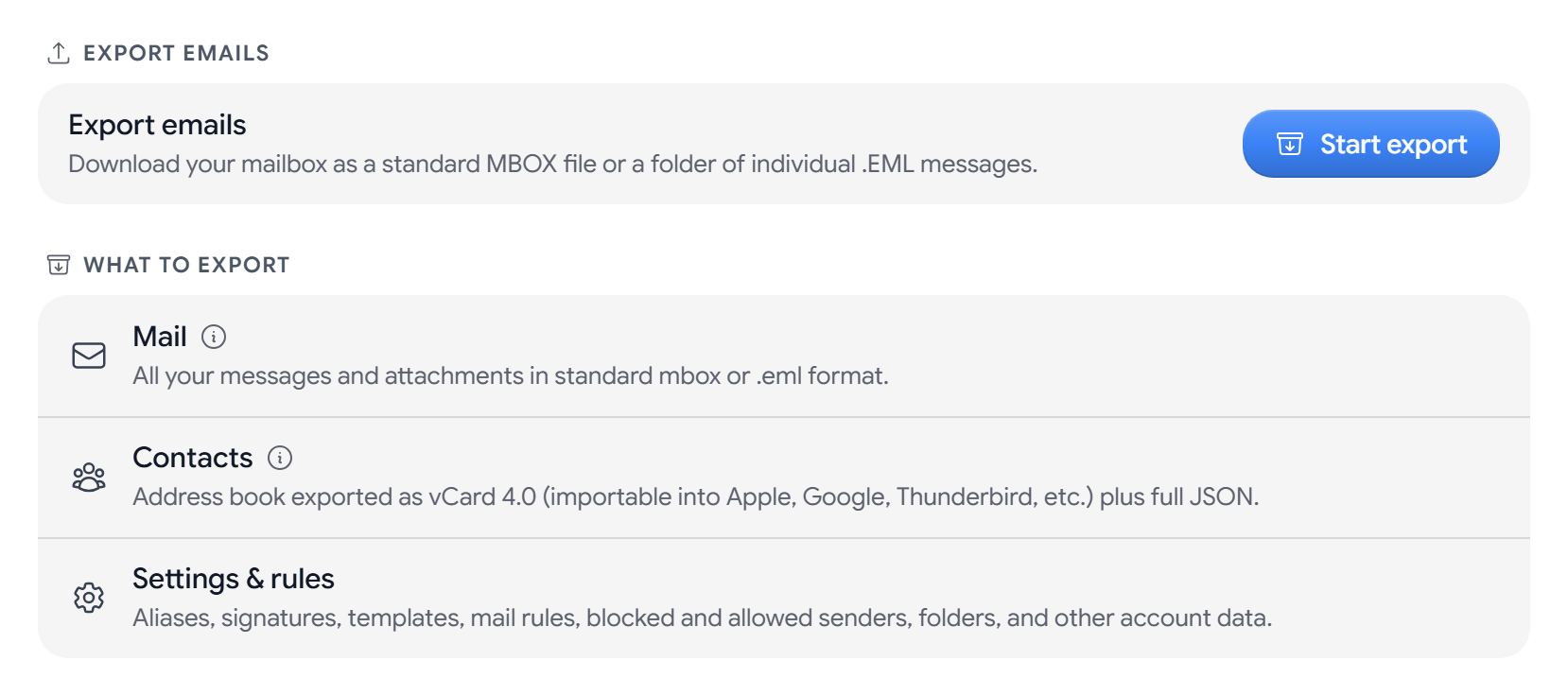
What you can export
- Mail. Every message and attachment, as one MBOX file or as separate EML files.
- Contacts. A vCard 4.0 file,
contacts.vcf, and acontacts.jsonfile with the fields that vCard can’t store. - Settings & rules. Your aliases, signatures, templates, mail rules, blocked and allowed senders, folders, and other account data.
Before you export
The export is not encrypted, so anything that can read files on your computer can read it, including cloud sync services. Save it in a folder that is not synced, and delete it once you no longer need it.
Export your mail
- Select Start export.
- In Confirm your passphrase, enter the passphrase that unlocks Aster on this device, and select Authorize.
- In Verify it’s you, enter your Password, and your Authenticator Code if you use two-factor authentication. Select Verify.
- Select I understand, continue, and then Continue.
- In What to export, choose Mail, Contacts, Settings & rules, or any mix of them.
- Choose MBOX (single file) or Individual .EML files. You can set a Date range, or leave it empty to export everything.
- Select Choose file location. If your browser can’t save straight to disk, the button is Download.
Keep the window open until the export finishes. If you select Cancel export, the file keeps the messages exported up to that point.
If some messages are missing
Messages that could not be decrypted on this device are left out, and Export complete tells you how many. If the export stops early, you see Export didn’t finish.
- Your encryption vault is locked. Sign back in, and start the export again.
- Passphrase did not match. Enter the passphrase that you use to unlock Aster on this device.
- The Import section does not show. Import and export are not available on Aster’s onion address.
Related articles
บทความนี้มีประโยชน์ไหม