





Ajustes de dominios personalizados
To add a custom domain, go to Settings > Domains > Add a domain you own. Once it is verified, you can send and receive mail at addresses such as you@example.com.
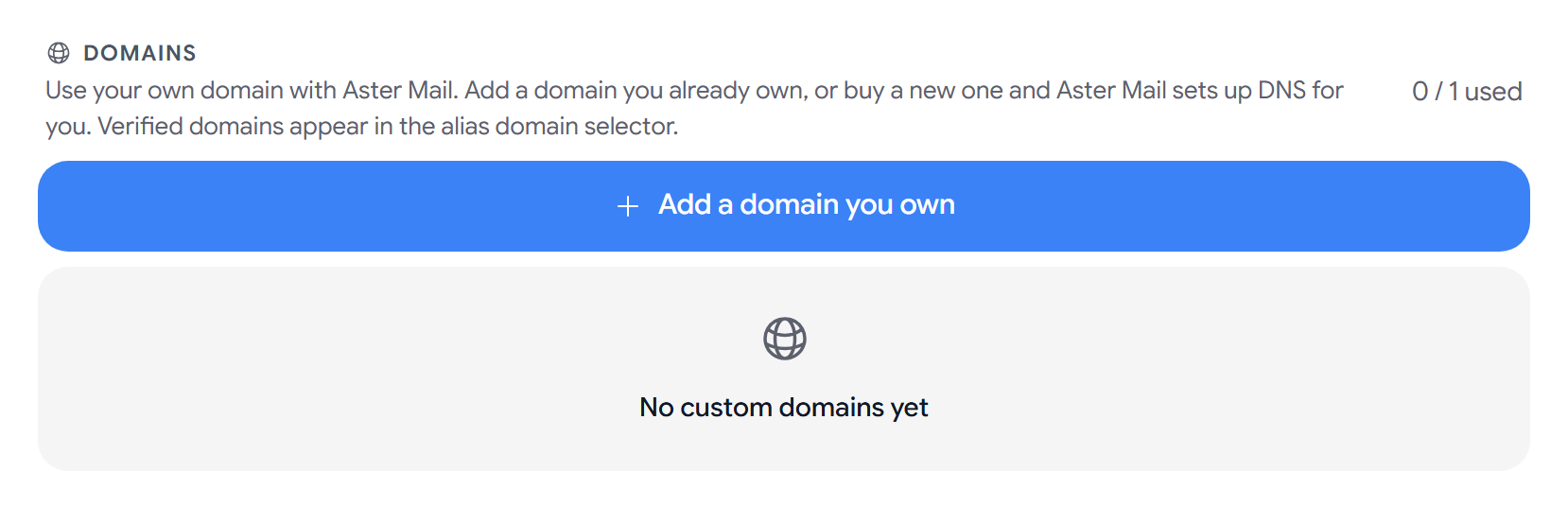
The top of the page shows how many domains your plan includes. Verified domains will show up in the domain list when you create an alias.
Add a custom domain
- Select Add a domain you own.
- Under Domain Name, enter your domain without
wwworhttps://. - Select Continue.
- Add each DNS record that Aster shows you, one step at a time.
If you have used every domain on your plan, Aster will show Domain Limit Reached with an Upgrade Plan button.
Set up DNS records
In your domain registrar’s DNS settings, add each record with the Host Name and Value that Aster shows. You can copy a value by selecting it.
- Prove you own this domain. Add the TXT record first. Aster checks the other records after this one is verified.
- Receive email at your domain. Add the MX record with priority 10, and remove any old MX records.
- Let Aster send email for you. Add the SPF record. If you already have one, add Aster’s
include:to it instead of making a second one. - Sign your outgoing mail. Add the DKIM record with the exact host shown.
- Stop others impersonating you. Add the DMARC record at
_dmarcafter SPF and DKIM are verified. - Get encryption failure reports. You can add a TLS-RPT record at
_smtp._tls.
Each step will show Verified or Not detected. Select Verify All Records to check them all at once. If Aster recognizes your DNS provider, it will show you steps for that provider.
DNS changes can take up to 48 hours, so you can close the setup and verify later.
Manage a domain
Each domain shows a status, such as Pending, Active, or Failed, and how many of its records are verified.
- Continue Setup reopens the setup for a domain that is not active yet.
- View DNS Records shows every record for the domain.
- Catch-all. Under Advanced Settings, you can receive mail sent to any address at your domain.
- Rotate DKIM Key. Under Advanced Settings, select Rotate and add the new record that Aster shows. Keep your old DKIM record until the new one is verified.
On a family plan, a domain that another member owns will show Shared. Only the owner can change its settings.
If you move to a plan with fewer domains, Aster will show how many days a domain has left. Upgrade before then to keep it working.
Delete a domain
Select Delete on the domain, and select Delete again to confirm. Every address on the domain stops receiving mail right away. You can’t add the same domain back for 30 days.
If a record is not detected
- Any record. Check the value for typos and select Verify All Records again.
- MX. Set the host to
@and the priority to 10. - SPF. Two SPF records cancel each other out, so merge them into one.
- DKIM. Make sure your provider did not cut off the long value.
- DMARC. Enter
_dmarcas the host, not_dmarc.example.com.
Related articles
¿Te ha resultado útil este artículo?