





Ajustes de facturación y créditos
To upgrade, change, or cancel your plan, go to Settings > Billing. The same page has your payment methods, invoices, credits, and student discount.
Notices at the top of the page
- A crypto payment in progress. Select Resume payment to go back to it, or Cancel this invoice to stop it. Aster stops watching the payment address once you cancel, so do not send funds to it.
- A declined card. If your card gets declined, the billing tab will now tell you why.
- Finish setting up your plan. If you closed checkout before paying, select Finish setting up.
- Switch to yearly and save. On a monthly plan, select Switch to yearly. Aster will adjust your next invoice for the time that you already paid for.
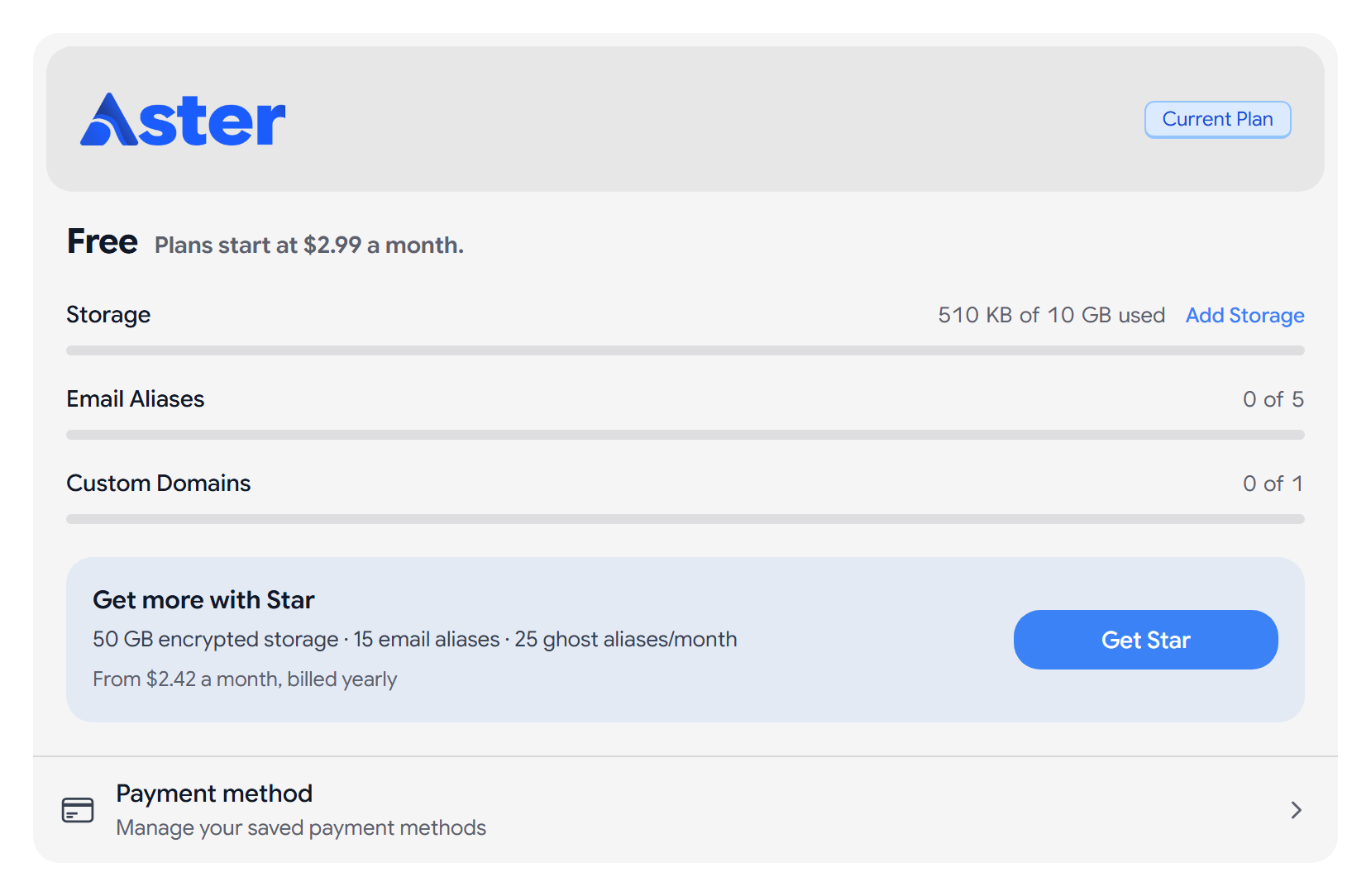
Current plan
Current Plan shows your plan, its price, your storage, and the date it Renews or Cancels.
- If you paid with crypto, the card shows Paid until. Crypto payments do not renew on their own, so select Renew with crypto before that date.
- If a card payment fails, select Update Payment Method before your plan moves to Free.
- If you canceled, select Reactivate to keep your plan.
Select Manage Plan to open Manage Payment Methods, switch between monthly and yearly billing, or select Cancel Plan.
Upgrade your plan
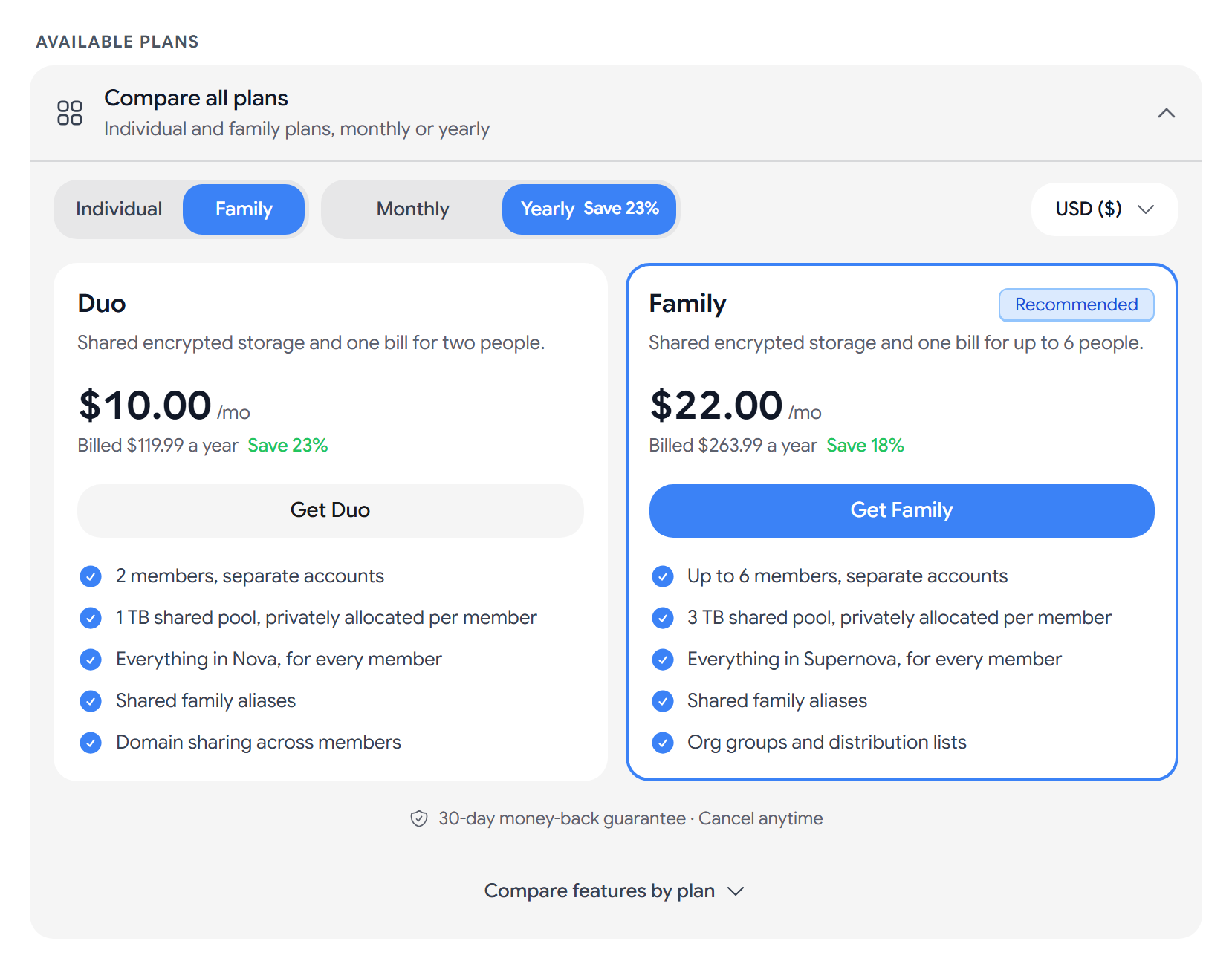
- Under Available Plans, choose Individual or Family.
- Choose Monthly or Yearly.
- Select Get followed by the name of the plan that you want, such as Get Star.
- Under Payment method, choose Card, Cash App, or Crypto. If your device supports it, Apple / Google Pay appears too. Then choose a Subscription length.
- Select Continue to Checkout and complete the payment.
- Promo codes. If you already have a paid plan, you can enter one under Promo Code and select Apply.
- 2-year term. You can pay for the 2-year term only with crypto.
- Card payments renew until you cancel. Crypto payments do not renew.
You can pay with Bitcoin, Litecoin, Ethereum, and USDC. See Pay with cryptocurrency. Every plan comes with a 30-day money-back guarantee.
Download your invoices
Billing History lists each payment and its status. Select PDF to download an invoice.
Credits
Credits shows your Credit Balance, which pays toward plan and add-on renewals.
- Select Top Up to buy credits by card or crypto.
- If you turn on Use credits for renewals, Aster will use your balance first and charge the rest to your payment method.
- Recent Transactions shows referral rewards, top-ups, and renewals.
Student discount
Student & Journalist Discount gives verified students and journalists 30% off Star, Nova, or Supernova for 12 months. Redeem your code within 90 days.
- Enter your academic email address.
- Complete the captcha and select Send Verification.
- Open the link in the email that Aster sends you within 24 hours.
Your code will show up on the page, and Aster will apply it at checkout. If you are a journalist, contact support with your press credentials. See Student and academic pricing.
Cancel your plan
- Select Manage Plan, then Cancel Plan.
- Go through the steps and select Continue to cancel.
- Enter your password, and your authenticator code if you use one.
- Select Cancel my plan.
Your plan stays active until the end of the billing period and then moves to Free. Aster will not delete your mail, contacts, or settings, but features above the free plan’s limits will turn off. If you subscribe again, Aster will turn them back on. See Cancel a subscription or ask for a refund.
On the Tor onion address, you can pay only with crypto.
Related articles
¿Te ha resultado útil este artículo?